
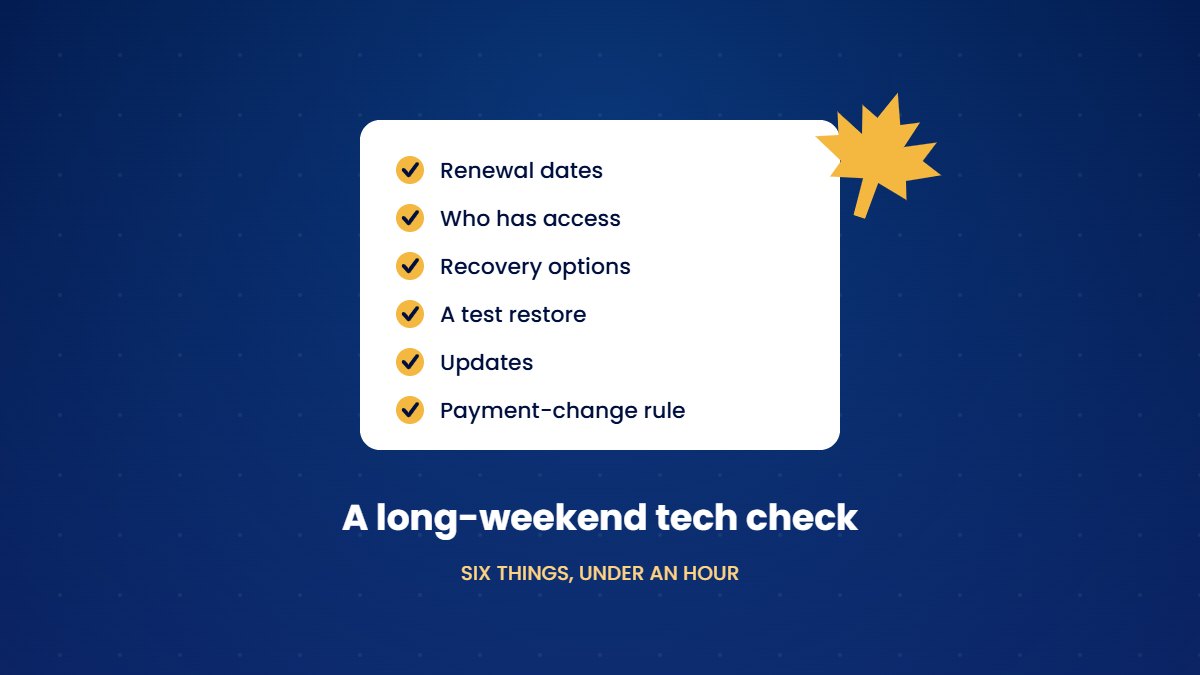
For many business owners, the Thanksgiving long weekend is one of the last quiet stretches before the end of the year. That makes it a good moment for a short tech check, since the problems these six items prevent tend to arrive at the worst possible time, whether that means a lapsed domain in December or a fake invoice in the middle of the holiday rush.
1. Check your renewal dates
Write down when your domain, email licences, website hosting and security certificate renew, and confirm that auto-renew is switched on for each one. Check the payment card on file while you are there, since an expired card on a registrar account is one of the easiest ways to lose a domain without noticing.
If you run a sole proprietorship or partnership in Ontario, check your business name registration as well. A registration lasts five years, and you can renew it from six months before it expires until 60 days afterwards. Once that window closes, you have to register the name again from scratch.
2. Review who has access
Make a quick list of everyone who can get into your email administration, bank accounts, website, social media and accounting software. Remove anyone who no longer needs access, including former staff, past contractors and the friend who once helped set up the website. If any of them knew a shared password, change it.
3. Update your recovery options
Check the backup phone number and email address on your main accounts. If you have changed numbers or left a previous job, an account can become impossible to recover. Where an account offers recovery codes, save them somewhere safe and offline.
4. Restore a file from your backup
Restoring a single file from your backup takes only a few minutes, and it turns "we have backups" from a hope into something you know to be true.
5. Install pending updates
Install any waiting updates on laptops and phones. If your website has an administration area, log in and update it as well, since outdated plugins and themes are a common way into small-business websites.
6. Agree on a payment-change rule before the rush
The end of the year brings more invoices, delivery notices and urgent requests, which gives fraudsters good cover. The Canadian Anti-Fraud Centre reported about $57.7 million in spear phishing losses in the first six months of 2026, close to the total for the whole of 2025. Agree now that any request to change banking details or make an urgent payment will be confirmed by phone, using a number you already have.
A worked example
Imagine a two-person cleaning company that works through this list on the Sunday of the long weekend. The owners discover that the domain renews on a card that expires in November, that a former contractor still has access to the company's social media accounts, and that nobody has ever tested the backup. Each problem takes only a few minutes to fix in October, but any one of them could have caused a serious disruption in December.
Keep a simple account register
The check goes much faster the second time if you record what you find. A basic spreadsheet with one row per account is enough, listing the service, who owns the login, where the login is stored, when it renews and which card pays for it. Keep the register somewhere secure that at least two people can reach, so that the business isn't stuck if the one person who knows everything is away.
The register also helps when you hire, when someone leaves, or when an insurer or a large client asks how you manage your systems. Instead of reconstructing the answer from memory, you can open one document and see every account the business depends on.
Book the next check
Put the same check in your calendar for the first week of January. Working through these six items twice a year is enough to stay ahead of most surprises.
Frequently asked questions
How long does this check take?
For most small businesses, the whole list takes less than an hour, and much of that time is spent tracking down logins.
Who should do the check?
The owner, or whoever manages the business's accounts, is best placed to do it, since they know which accounts exist and who has access to them.
Is this check worth doing if we already have an IT provider?
It is still worth a quick look. A provider can handle most of these items, but you should know when your domain renews, who has access to your accounts and whether your backups have been tested, since those answers affect your business directly.
What if we find an account we can't get into?
Start the provider's account recovery process straight away, while there is no urgency. If the account belongs to a former contractor or employee, contact them and ask them to transfer it to the business.
Starter Care runs these checks for you every month, so that the long weekend can stay a long weekend.
See Starter Care →Sources
- Government of Ontario, Ontario Business Registry services. ontario.ca
- Canadian Anti-Fraud Centre, Fraud trends for the first six months of 2026. antifraudcentre-centreantifraude.ca
- Canadian Anti-Fraud Centre, advice on spear phishing and business email compromise. antifraudcentre-centreantifraude.ca