
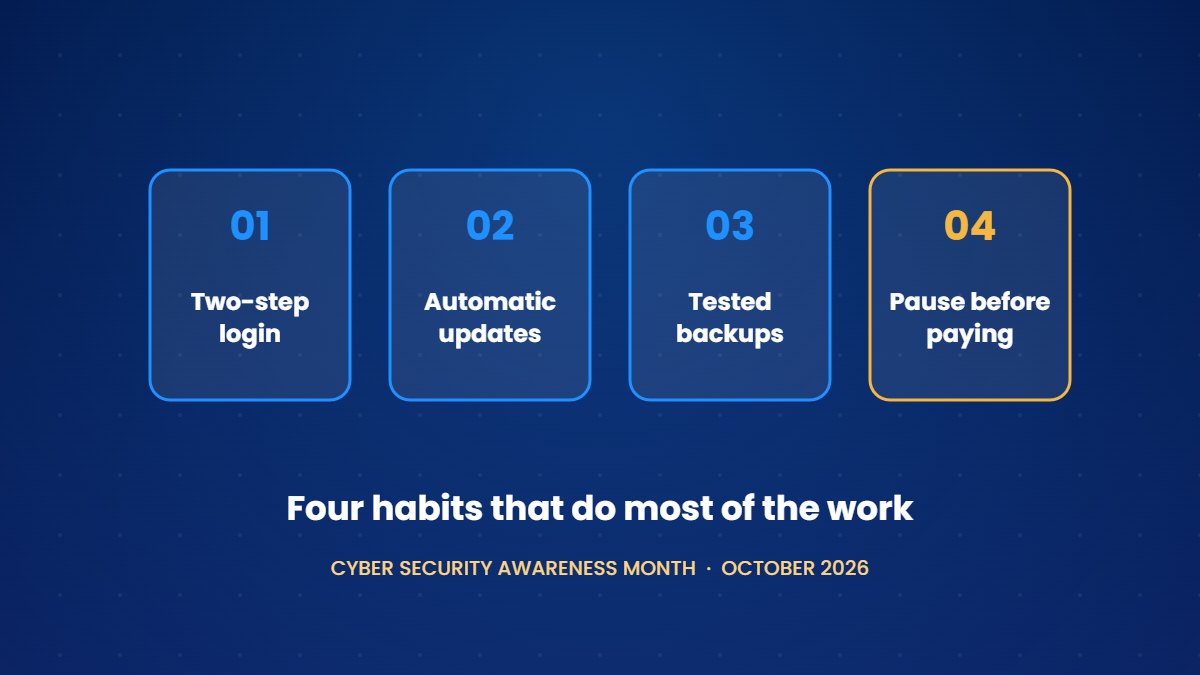
October is Cyber Security Awareness Month in Canada, and this year's federal campaign from Get Cyber Safe runs under the theme "Your best defence is you." The theme suits small businesses well, since most of the protection that matters comes from a handful of habits rather than from expensive software.
The Canadian Centre for Cyber Security makes a similar point in its guidance for smaller organizations. Its Baseline Cyber Security Controls apply the 80/20 rule, aiming to deliver most of the benefit for a small share of the effort. The guidance lists 13 controls, and for a business with only a few people, four of them carry most of the weight without requiring a large budget.
1. Turn on two-step login, starting with email
Email is the place to start, as it unlocks everything else. Password resets for your bank, payroll, domain, accounting software and social media accounts all arrive in your inbox, so anyone who gets into it can get into the rest.
In Microsoft 365, each person can add an authenticator app from the Security info page of their account. In Google Workspace, an administrator can require 2-Step Verification for everyone from the Admin console. An authenticator app is safer than codes sent by text message, which can be intercepted if someone takes over a phone number.
Once email is protected, do the same for your bank, payment processor, domain registrar, accounting software and social media accounts.
2. Let devices update themselves
Most successful attacks rely on nothing clever. They exploit known weaknesses that already have fixes, on machines that haven't installed those fixes yet, and automatic updates close that gap without anyone having to remember.
- On Windows, open Settings, then Windows Update, and make sure updates aren't paused.
- On a Mac, open System Settings, then General, then Software Update, and turn on automatic updates.
- On phones and in web browsers, switch on automatic updates in the settings.
A laptop or phone that no longer receives security updates from its manufacturer should be replaced, since this is one of the few security problems that money genuinely solves.
3. Back up your data, then prove the backup works
A backup you have never restored from is an assumption rather than a safeguard. Keep a copy of your important files somewhere separate from the originals, such as a cloud backup service or an external drive that isn't permanently connected.
Sync tools such as OneDrive and Google Drive are useful, but on their own they are not backups. They copy every change in every direction, so a deleted or overwritten file changes everywhere at once, and the recycle bin keeps deleted files for only a limited time.
Once a quarter, restore a single file. If it comes back intact, you know your backup works, and if it doesn't, you have found the problem on a quiet day rather than a bad one.
4. Pause before paying or changing payment details
The most expensive fraud aimed at Canadian businesses doesn't involve breaking into any systems. In spear phishing, criminals pose as a supplier, a client or a senior colleague and ask for a payment or a change to banking details. In 2025, the Canadian Anti-Fraud Centre recorded about $68 million in reported losses to spear phishing, second only to investment fraud, and it estimates that only 5 to 10 percent of victims report at all.
The centre recommends requiring two people to authorize wire transfers. In a small team, you can achieve the same thing with a simple rule that any request to pay urgently, or to change where money is sent, must be confirmed by phone using a number you already have rather than one supplied in the email.
A worked example
Consider a three-person marketing agency that spends an hour on these habits during Cyber Month. The owner turns on two-step login for the company's email and banking, checks that every laptop updates automatically, and restores a single file from the backup service to confirm that it works. The team also agrees that any change to a supplier's banking details will be confirmed by phone. None of these steps costs anything, and together they close off the most common ways that small businesses lose money and data.
A 30-minute version for this week
- List your important accounts and turn on two-step login for each one, starting with email.
- Check that automatic updates are switched on for every laptop and phone.
- Restore one file from your backup.
- Agree on the payment-change rule with whoever pays the bills.
Frequently asked questions
Do these habits really make a difference for a small business?
These habits make a substantial difference, which is why the Cyber Centre designed its baseline controls specifically for smaller organizations, on the basis that a small number of well-chosen measures prevents most of the incidents those organizations face.
Is an authenticator app better than text-message codes?
An authenticator app is generally safer, since text messages can be redirected if someone takes over your phone number. Text-message codes are still far better than having no second step at all.
What should we do if a payment request looks suspicious?
Avoid replying to the email or calling any number it contains. Contact the person or company using details you already have, and if you have been targeted, report it to the Canadian Anti-Fraud Centre.
Our Website setup includes two-step login on your business accounts, and Starter Care checks your backups and updates every month.
See our starter products →Sources
- Get Cyber Safe, Cyber Security Awareness Month 2026. www.canada.ca
- Canadian Centre for Cyber Security, Baseline Cyber Security Controls for Small and Medium Organizations. www.cyber.gc.ca
- Canadian Anti-Fraud Centre, Top 10 frauds in 2025. antifraudcentre-centreantifraude.ca
- Canadian Anti-Fraud Centre, advice on spear phishing and business email compromise. antifraudcentre-centreantifraude.ca