
Your team is almost certainly using AI already, whether or not anyone approved it. The real question is whether they are using it well, and safely. That is what training fixes.
The training gap
Microsoft and LinkedIn’s 2024 Work Trend Index found that three in four knowledge workers now use AI at work, and that 78% of AI users bring their own AI tools to work. Yet while two-thirds of leaders say they would not hire someone without AI skills, only 39% of AI users have received AI training from their company.
In other words, most people are teaching themselves, on the job, with whatever tool they happen to find. Some of them get very good at it. Many do not.
What goes wrong without training
- Client data ends up in the wrong place. Staff paste emails, contracts or customer details into free AI tools without knowing where that information goes. For Canadian businesses, that can create privacy obligations under PIPEDA.
- Confident answers that are wrong. AI tools can produce plausible text that is simply incorrect. Untrained users often do not check, and errors reach clients.
- Licences that do not pay for themselves. Microsoft 365 Copilot is a paid add-on. If staff only use it to rewrite the odd email, the business is paying for capability it never uses.
- Inconsistent results. Two people asking the same tool for the same thing get very different quality, because one knows how to ask and the other does not.
What good training changes
Good AI training is not a lecture about the future. It is practical and built around real work:
- writing prompts that get useful results the first time, and saving the ones that work so nobody starts from scratch;
- checking AI output before it is relied on, and knowing when not to use AI at all;
- knowing what information can and cannot go into which tool;
- applying AI to the tasks people actually do: email, meetings, reports, spreadsheets and presentations.
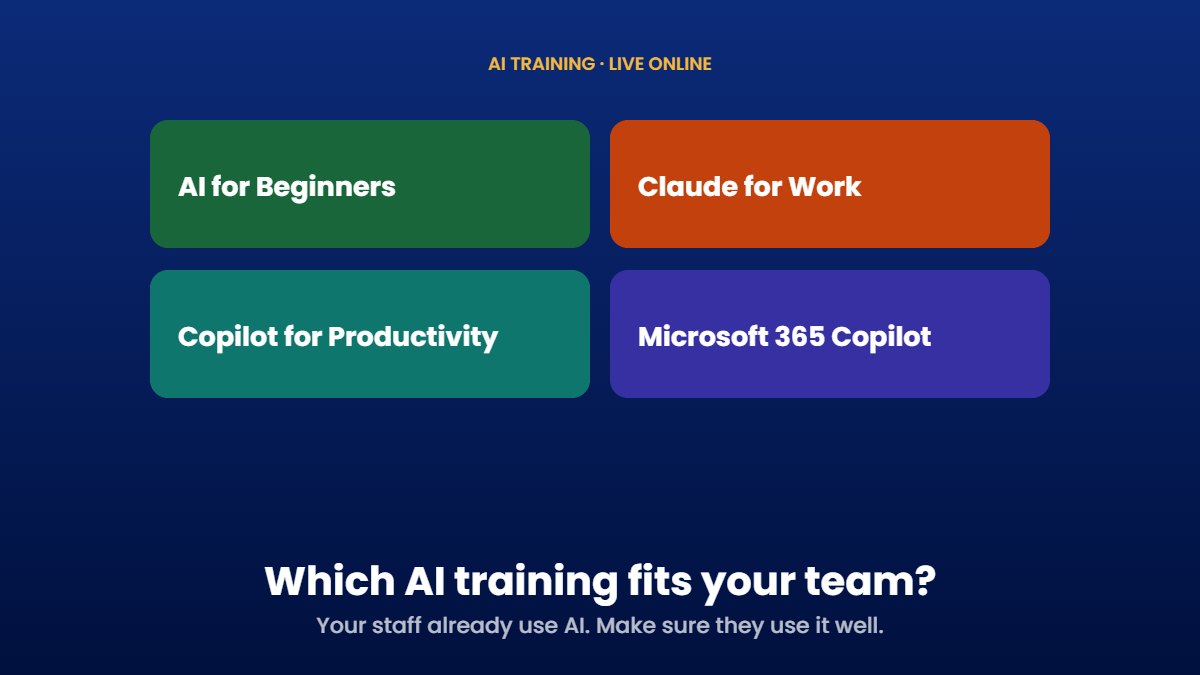
Which session fits your team
| Session | Best for | Length | Price | You need |
|---|---|---|---|---|
| AI for Beginners | Anyone new to AI | 2 hours | $300 per person | Any device with internet access |
| Claude for Work | Professionals drafting, researching and analysing | 2 hours | $300 per person | A Claude account |
| Copilot for Productivity | Everyday email, meeting and task management | 2 hours | $300 per person | A Microsoft 365 Copilot licence |
| Microsoft 365 Copilot | Going deep across Word, Excel, PowerPoint, Outlook, OneNote and Copilot Chat | 3 hours | $400 per person | A Microsoft 365 Copilot licence |
Not sure where to start? Teams new to AI usually begin with AI for Beginners. If your business already pays for Microsoft 365 Copilot, Copilot for Productivity is the fastest way to get value from those licences, and Microsoft 365 Copilot takes it further across every app.
How the sessions run
- Live online, so your team can join from anywhere.
- Early morning and evening sessions, so training does not eat into the working day.
- Bring real work. Participants practise on their own tasks and documents, so they leave with results, not just notes.
- Group discounts are available when several people from the same team book together.
Pair training with a simple AI policy
Training works best alongside clear rules: which tools are approved, what information must never go into them, and when a person must review AI output. Our own Responsible AI Policy is a good example of what that looks like in plain language.
Ready to book, or want help choosing the right session? Email [email protected] and we will help your team get started. Watch for AI training in our Black Friday offers from November 27.
Sources
- Microsoft, Microsoft and LinkedIn release the 2024 Work Trend Index on the state of AI at work. blogs.microsoft.com